Understanding the Image to Prompt Process
In an era where artificial intelligence (AI) is reshaping countless industries, image generation has become increasingly sophisticated. Among the innovations in this field is the image to prompt generator, a tool that empowers creators to convert visual content into detailed text prompts. This article will dive deep into the technology behind image to prompt generators, exploring their functionality, benefits, and practical applications for both novices and seasoned professionals.
What is an Image to Prompt Generator?
An image to prompt generator is an advanced AI tool designed to analyze images and convert them into detailed text prompts suitable for various AI image generators. By breaking down the components of an image—such as subjects, environments, styles, and moods—these generators create descriptive prompts that can guide AI models like Midjourney, DALL·E, Stable Diffusion, and others in producing high-quality imagery. This capability is particularly beneficial for artists, marketers, and content creators who wish to leverage AI to generate visuals from their conceptual ideas.
How Does the Technology Work?
The technology behind image to prompt generators combines computer vision with large language models. Initially, the tool scans the uploaded image and identifies key visual elements. This includes assessing colors, shapes, textures, and contextual features present in the image. After this analysis, the generator formulates a structured description that encapsulates these details in natural language. This process allows AI models to receive clear and concise prompts that they can interpret effectively, leading to impressive image generation results.
Benefits of Using an Image to Prompt Tool
The advantages of utilizing an image to prompt generator extend beyond mere convenience. They include:
- Time Efficiency: Creators can save significant time by automating the prompt generation process, allowing them to focus on refining their ideas.
- Enhanced Creativity: By generating multiple prompt variations, users can explore new creative avenues they might not have considered otherwise.
- Accessibility: With a user-friendly interface, these tools allow individuals without technical expertise to generate prompts that are compatible with leading AI models.
- Improved Output Consistency: AI-generated images based on well-structured prompts tend to be more coherent and aligned with the intended vision of the creator.
Getting Started with Image to Prompt
For those eager to harness the power of image to prompt technology, getting started is straightforward and user-friendly.
Step-by-Step Guide to Uploading Images
To begin, follow these simple steps:
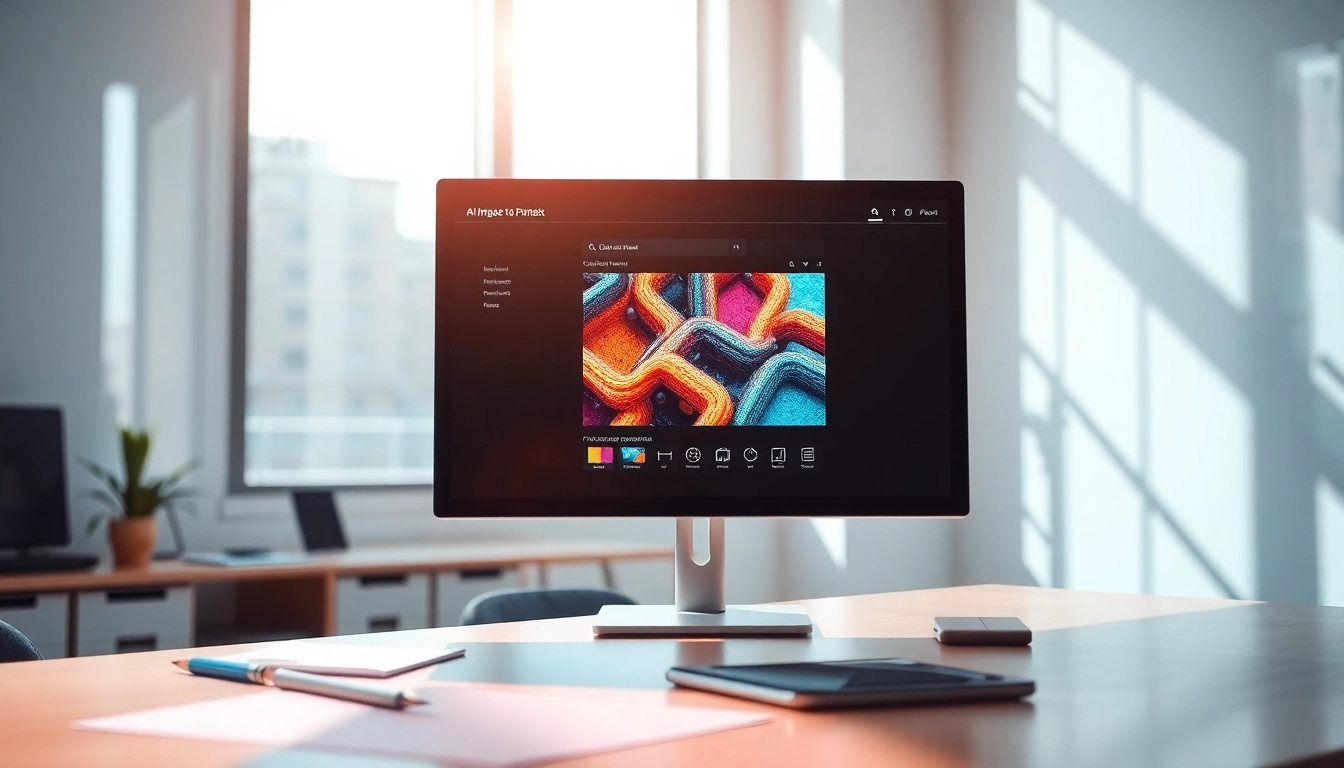
- Upload or Select an Image: Choose an image you wish to analyze by either uploading it from your device or dragging and dropping it into the designated area. Supported formats typically include PNG, JPG, and WEBP.
- Click the "Generate Prompt" Button: Once your image is uploaded, simply click the generate button to initiate the analysis.
- Receive and Refine Your Generated Prompt: After a few moments, the tool will provide a detailed text prompt based on your image. You can further refine this prompt to better suit your needs.
Choosing the Right AI Model for Your Needs
Different AI models have varying strengths and capabilities. When using an image to prompt generator, it is essential to select the model best suited for your project. For instance:
- Midjourney: Known for high visual fidelity, ideal for artistic styles.
- Stable Diffusion: Excellent for generating images with stable and consistent details.
- Gemini: Offers innovative features for complex image generation tasks.
Optimizing Your Prompts for Best Results
To maximize the effectiveness of the generated prompts, consider the following tips:
- Be Specific: Include details about desired styles, moods, and colors to guide the AI in generating more aligned visuals.
- Experiment with Variations: Try generating multiple prompts for the same image to explore different creative outcomes.
- Incorporate Keywords: Utilize industry-specific terminology to enhance relevance in the generated imagery.
Exploring Prompt Variations
Understanding the various types of prompts that can be generated is crucial for maximizing the potential of your AI image generator. Here we delve into the types of prompts and how to effectively use them.
Types of Prompts Generated by Image to Prompt
Image to prompt generators can produce diverse formats of prompts, such as:
- General Descriptive Prompts: These provide a broad overview of the image, highlighting key subjects and themes without specific structure.
- Structured Prompts: These prompts are formatted to include specific parameters that cater to individual AI models' needs, enhancing the accuracy of the generated images.
- Model-Specific Prompts: Tailored prompts that leverage unique capabilities of various AI models, optimizing for the best performance.
Structured vs. General Descriptive Prompts
Understanding the difference between structured and general descriptive prompts is vital. Structured prompts provide a formatted guideline that can help maintain consistency in output, whereas general descriptive prompts offer flexibility for creative exploration. Depending on the desired outcome, one may choose one format over the other—structured prompts for tighter control and general prompts for artistic freedom.
Adapting Prompts to Different AI Models
Each AI image generator has unique capabilities and limitations. Therefore, adapting your prompts accordingly is essential for achieving optimal results. For instance, prompts designed for Midjourney may focus on artistic effects, like lighting and composition, while those for DALL·E may emphasize more imaginative and surreal elements.
Enhancing AI Image Output
Once you have generated prompts, the next step is to ensure they lead to exceptional AI imagery. Here are best practices to follow for optimal results.
Best Practices for Using Generated Prompts
To ensure high-quality image outputs based on the prompts generated, consider the following:
- Review and Edit Prompts: Before using the generated prompts, it’s beneficial to review them and make necessary adjustments to suit your creative needs.
- Test Different Models: Don’t hesitate to run the same prompt through different AI models to see which produces the best result for your vision.
- Stay Informed: Keep abreast of updates and new features released by AI image generators to take full advantage of enhancements and capabilities.
Case Studies: Successful AI Creations with Image to Prompt
To illustrate the effectiveness of image to prompt generators, consider these insightful examples:
- Artistic Interpretation: A photographer uploaded a landscape photo; the generated prompt emphasized natural lighting and vibrant colors. The resulting artwork was a stunning digital painting that captured the original scene's essence.
- Marketing Campaign: A product designer utilized an image of a tech gadget, using the tool to generate targeted text prompts that detailed functional attributes and aesthetic qualities. The campaign imagery resonated well with the audience, driving engagement.
- Creative Writing: A novel author used an illustration of a character to develop a detailed prompt. The resulting AI-generated images helped visualize scenes from the book, enhancing the storytelling experience.
Future Trends in AI Image Generation (2026 and Beyond)
As technology continues to evolve, the future of AI image generation looks promising. Key trends to watch out for include:
- Increased Personalization: Future AI models will likely offer enhanced customization options, allowing users to input more nuanced preferences and generate highly tailored visuals.
- Real-time Collaboration: Innovations may allow for collaborative efforts in AI image generation, enabling multiple users to refine and adjust prompts simultaneously.
- Greater Integration: Tools may integrate with other creative software, providing a seamless workflow from ideation to final output.
FAQs About Image to Prompt
Is the Image to Prompt Generator Free to Use?
Yes, the image to prompt generator is free to use online, allowing users to upload images and generate prompts without any registration or subscription fees. This accessibility ensures that anyone can take advantage of this innovative tool without barriers.
Compatibility with Popular AI Image Generators
The image to prompt tool is versatile and compatible with several leading AI image generators, including Nano Banana Pro, Gemini, and Flux. By offering optimized prompts for these platforms, users can create stunning images that align with each model's specific requirements and styles.
Real User Testimonials and Experiences
User feedback highlights the effectiveness and usefulness of the image to prompt generator. Many users note its ability to produce high-quality descriptions consistently, facilitating the generation of visually appealing content. Positive testimonials emphasize how the tool assists in both professional and personal creative projects, helping individuals realize their artistic visions with ease.